
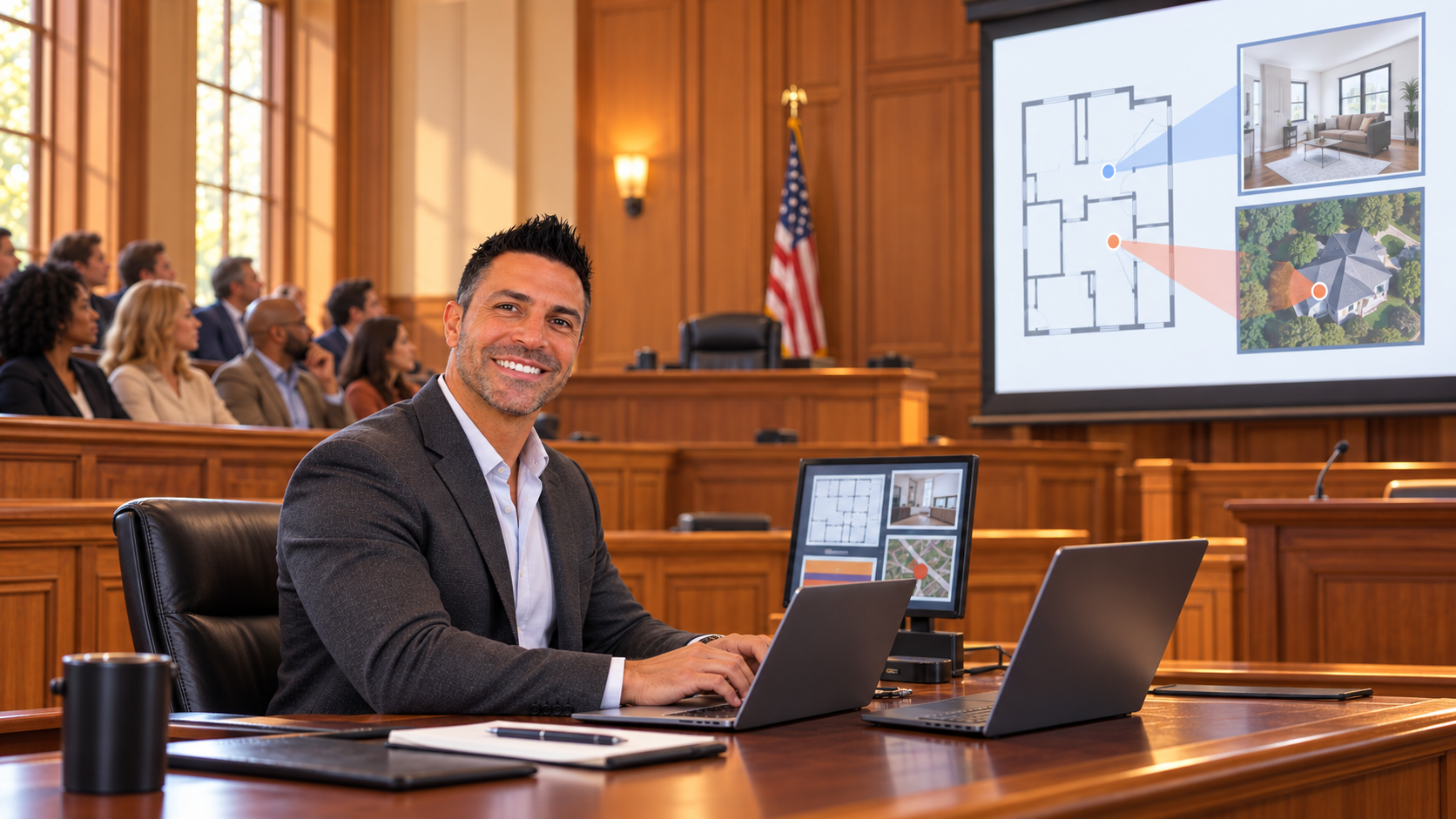
Trial tech support in Philadelphia County starts with a practical question: when counsel asks for an exhibit, can everyone who needs to see it actually read it? A document that looks clear on a laptop may be difficult to follow from the jury box. Video that plays correctly in the office may need a different audio connection in court. Preparing for those differences gives the legal team a more dependable presentation workflow.
Webesco helps attorneys prepare and present digital case materials through its trial technician services. For a Philadelphia matter, preparation should address the assigned courtroom, the presentation materials, and the way counsel wants to work during testimony.
Start with the assigned Philadelphia courtroom
Philadelphia County’s court system includes the Court of Common Pleas and Municipal Court within the First Judicial District of Pennsylvania. The venue name alone does not establish which displays, connections, or setup arrangements will be available for a particular proceeding.
Before choosing equipment, confirm the building, room assignment, access window, permitted equipment, and courtroom contact. Ask how exhibits will be shown to the judge, witness, counsel, and jury. If the room assignment changes, revisit the technical plan instead of assuming the new space works the same way.
Plan the view from the jury box
A useful courtroom presentation makes the relevant material easy to follow. For a dense document, that can mean showing the full page first, then enlarging the paragraph counsel is discussing. For a photograph, it may mean keeping the original visible while presenting a detail separately.
- Check text size from the farthest viewing position available during setup.
- Place an approved projection screen or display where sight lines remain clear.
- Check contrast with the room lighting that will be used during the proceeding.
- Confirm that counsel can preview material before it reaches the audience display.
For example, an email chain with several messages is easier to navigate when the technician can retrieve the exact exhibit and page on cue. A consistent exhibit index helps the attorney and technician stay on the same page when questioning changes direction.
Prepare exhibit files and video playback together
Build a working set of counsel-approved documents, photographs, demonstratives, and video clips. Use consistent exhibit identifiers, keep original files separate from presentation copies, and identify the current approved version. Check that redactions remain intact in the files intended for display.
When deposition video is part of the presentation, review the requested clip boundaries and playback sequence with counsel. Test audio through the intended output, rather than relying only on laptop speakers. Confirm that the selected files open on the actual presentation computer and are available locally if internet access becomes unreliable.
Recording a deposition and presenting selected testimony at trial are separate assignments. If both are needed, discuss the handoff of video and related materials early. Webesco’s video deposition services can be considered alongside the courtroom presentation plan.
Give the trial technician a clear cue system
Before the first witness, agree on how counsel will request exhibits, page changes, highlights, or a blank screen. A short rehearsal can reveal ambiguous filenames and unclear instructions before they interrupt a presentation. Also decide who approves last-minute file changes and how revised materials reach the technician.
A fallback plan should identify a second copy of essential files, necessary adapters, and an alternate way to show key material. The right backup depends on the room and assignment; test it alongside the primary setup.
Arrange Philadelphia County trial tech support
To discuss courtroom presentation support with Webesco, provide the trial dates, Philadelphia venue and room if known, expected number of trial days, exhibit volume, and anticipated video playback needs. Include any known setup restrictions or required rehearsal dates so the scope and availability can be confirmed.
Contact Webesco to plan trial tech support in Philadelphia County, or call 215-416-5526.