-

When a Software Vendor Adds AI: A Contract-Review Workflow for Law Firms
Software vendors are adding AI to tools law firms already use. This practical workflow helps legal teams review data handling, contract changes, model substitutions, verification duties, and exit rights before activation.
-

Federal Court Case-Management Modernization: A Filing-Readiness Plan for Legal Teams
Federal courts are accelerating case-management modernization. This filing-readiness plan helps legal teams prepare secure, resilient workflows.
-

AI Chats and Privilege: A Practical Client-Data Workflow for Law Firms
Three 2026 federal decisions reached different conclusions about AI chats, privilege, and work product. Here is a practical workflow for law firms.
-

AI Overviews and Defamation: A Litigation Response Protocol
A federal ruling involving Google AI Overviews shows why legal teams should preserve generated results, verify cited sources, document notice, and track corrections.
-
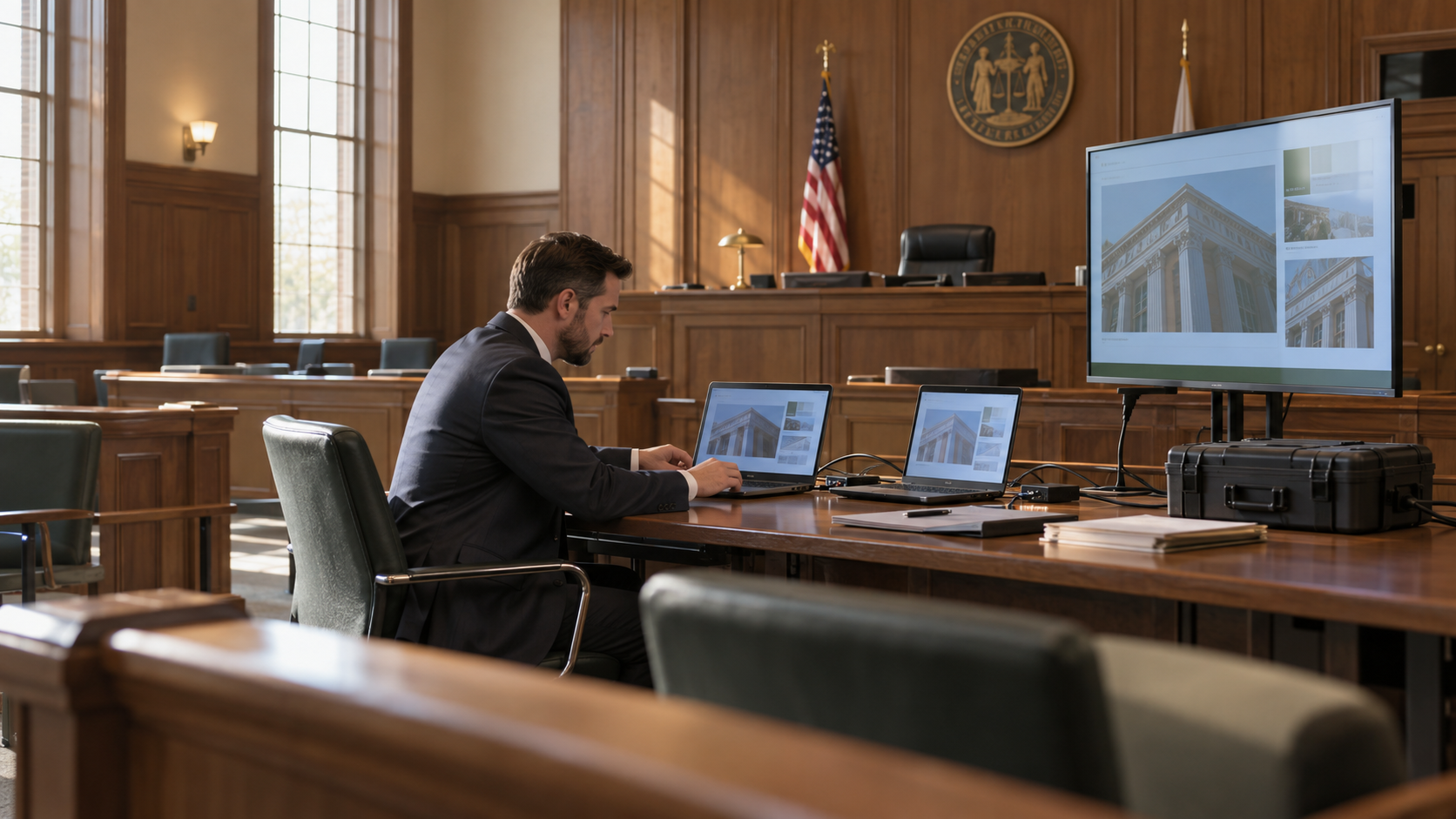
Trial Tech Support in South Jersey: Coordinating a Courtroom Setup
A South Jersey trial technology plan should identify who is responsible for each part of the setup. Counsel, courtroom personnel, the trial technician, and any equipment provider need a shared understanding of the room, schedule, and approved connections. That coordination matters as much as the laptops themselves.
-
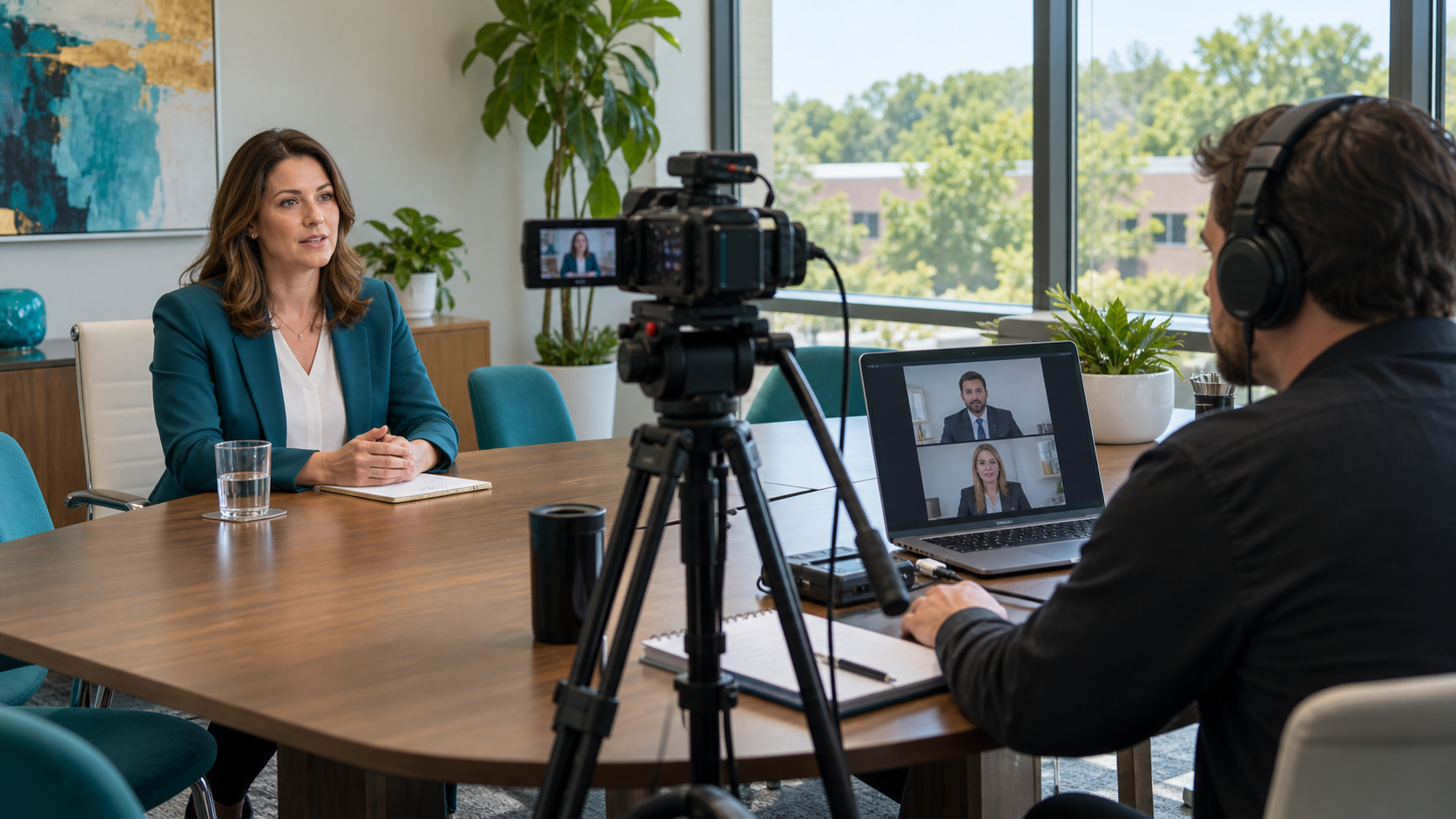
Video Depositions in Media, PA: Preparing for Remote Participants
A deposition in Media may bring some participants into the room while others join remotely. That arrangement needs more preparation than placing a laptop at the end of the table. The recording plan should explain how remote participants will hear the room, how the witness will hear them, and what the final recording will include.
-
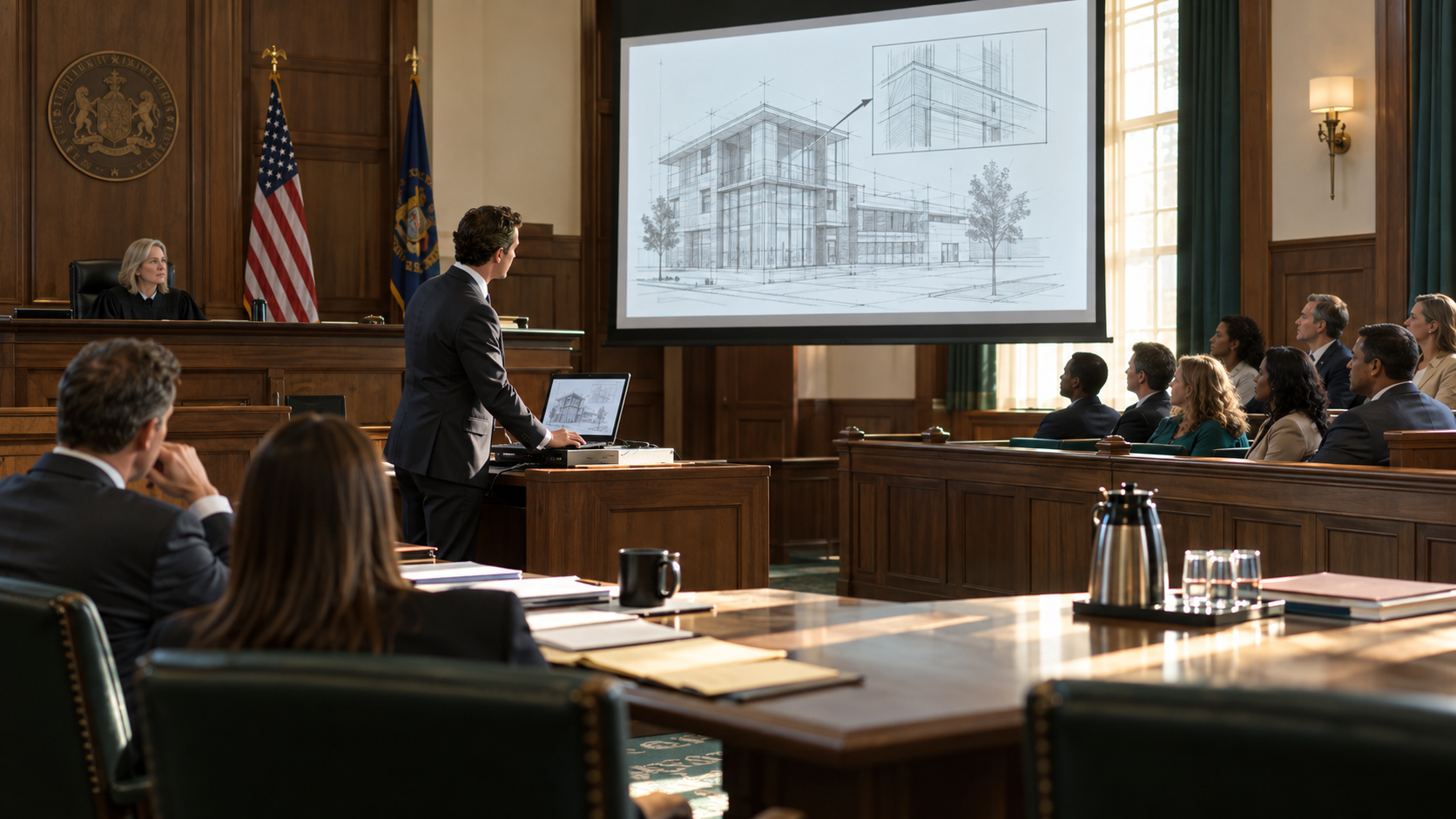
Trial Tech Support in Media, PA: Making Complex Exhibits Easier to Follow
For an attorney preparing a trial in Media, a detailed exhibit can present a simple problem: there is more information on the page than the audience can comfortably read at once. Trial tech support can help counsel move between the complete exhibit and the specific detail being discussed, while preserving context.
-
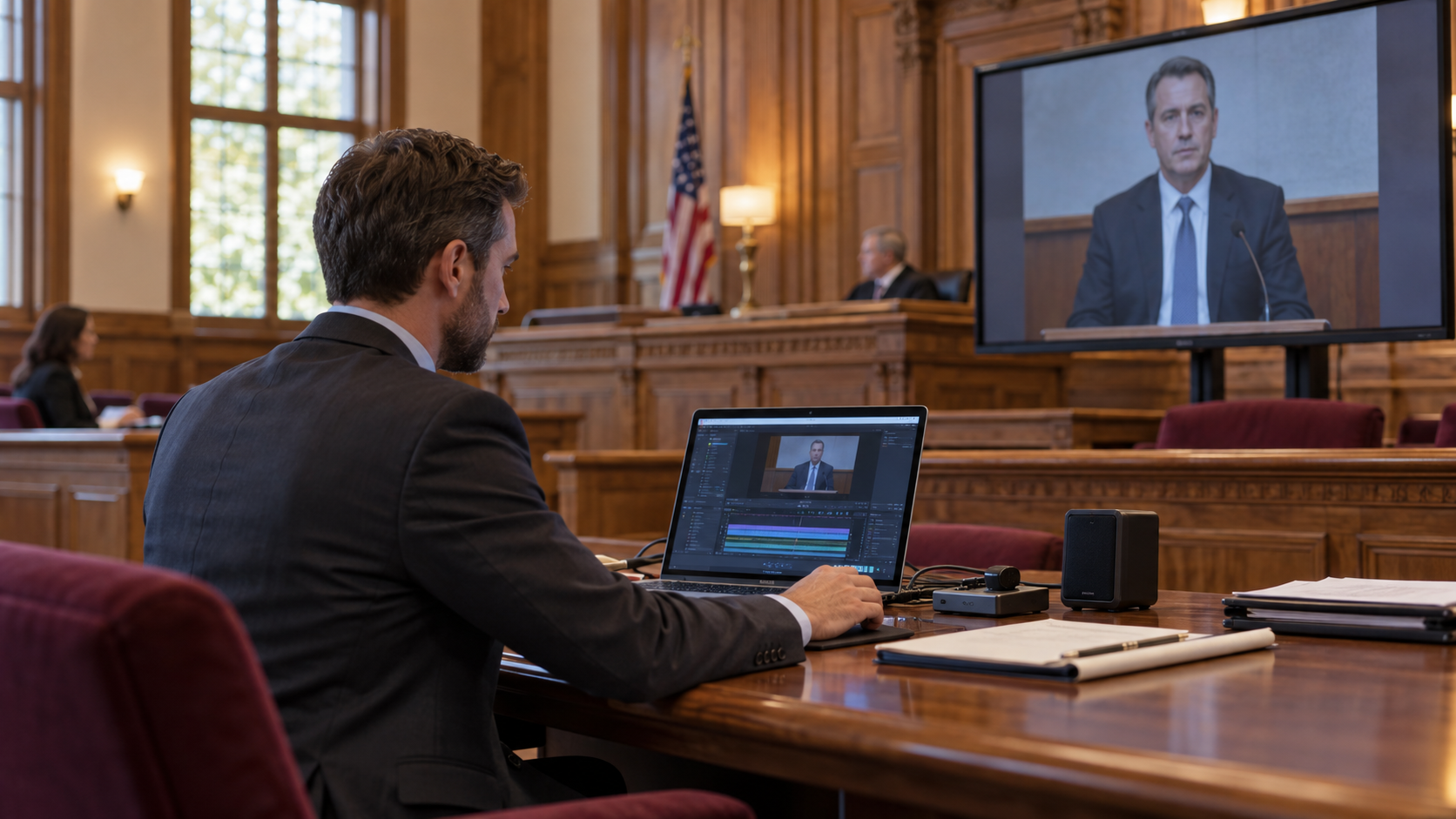
Trial Tech Support in Bucks County: Testing Courtroom Video Playback
A video clip that plays on an attorney’s computer still needs to be tested in the presentation setup. For Bucks County trials involving recorded testimony or other video exhibits, the practical goal is clear sound, predictable playback, and a quick way to stop or change material when counsel gives the cue.
-
Video Depositions in Bucks County: Keeping Exhibits and Testimony Organized
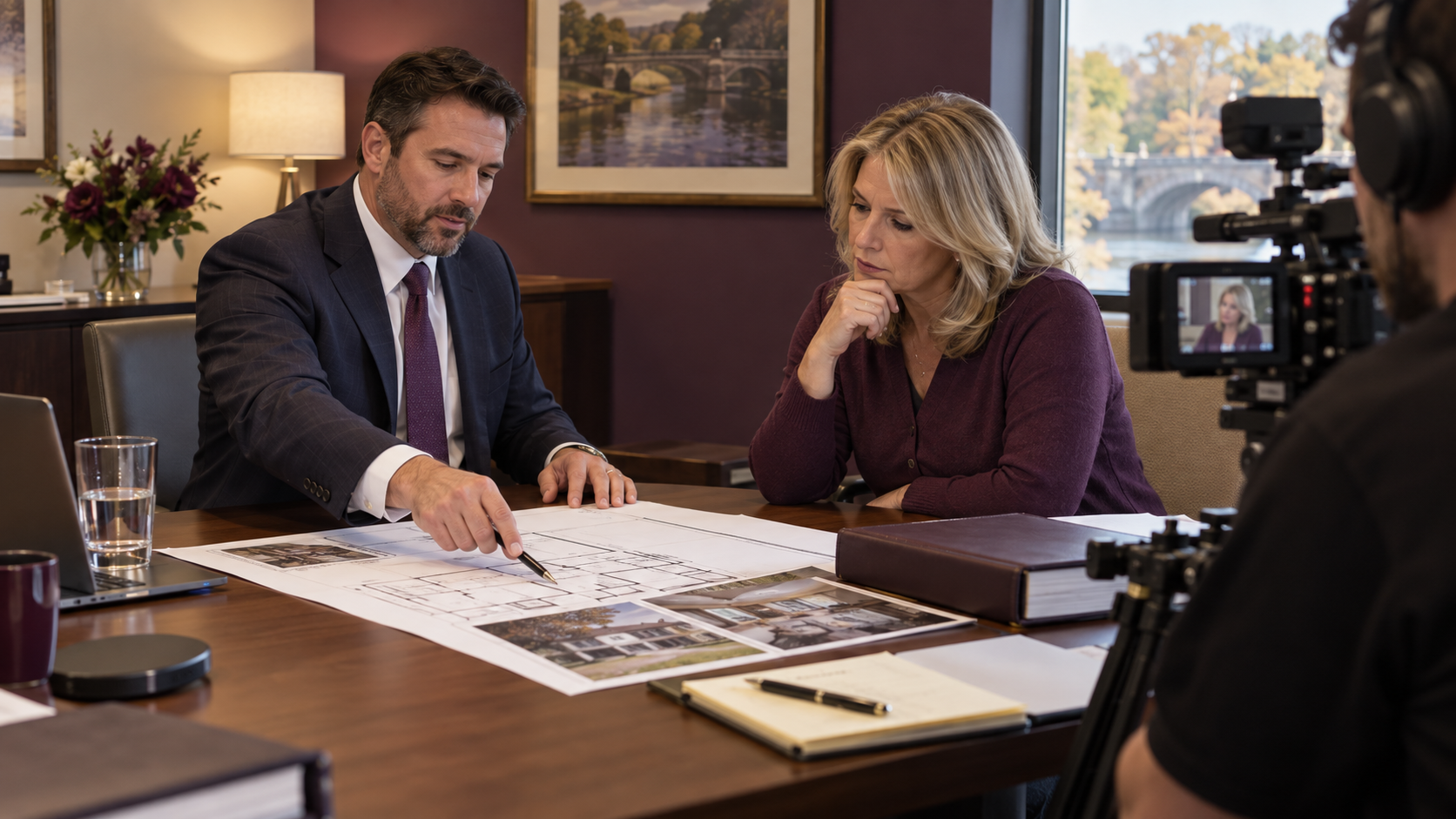
During a video deposition, an attorney may refer to a document, show a photograph, or ask the witness to examine a screen. Planning how those exhibits are identified and handled helps the legal team connect the testimony with the correct material afterward. For Bucks County assignments, discuss the exhibit workflow alongside the recording arrangements.
-

Video Depositions in Montgomery County: A Conference Room Checklist
The room selected for a video deposition can make the session easier or harder before recording begins. For a Montgomery County assignment, confirm more than the meeting invitation: the videographer needs a usable room, dependable access, and a layout that supports clear audio and a stable witness view.
